Next to my Mac, there is always an iPad mini 6. I bought it when it first came out, and for several years now it has been the one I reach for almost every day to jot notes with Apple Pencil.
That iPad mini, along with a new MacBook Pro, was announced at the end of October. When I got my hands on the actual devices, the first impression that stayed with me was that both screens are simply beautiful. Even for someone like me who works with photos and video, the difference was clear.
The 5.4mm Thinness That Surprised Me as an iPad mini 6 User
Picking up the new iPad mini (A20 Pro), what surprised me most was how thin and light it is. It is 5.4mm thick, thinner and lighter than the previous generation. Holding it, I was genuinely moved.
I also own a 13-inch iPad Pro, which is 5.1mm thick. On paper the iPad Pro is thinner, but its large screen makes it feel different in the hand. The new iPad mini felt even thinner than that, almost as if it might bend. Being lighter has a lot to do with it, I think.
iPad Thickness
- iPad mini 66.3mm
- iPad mini (A20 Pro)5.4mm
- iPad Pro 13-inch5.1mm
Apple specifications
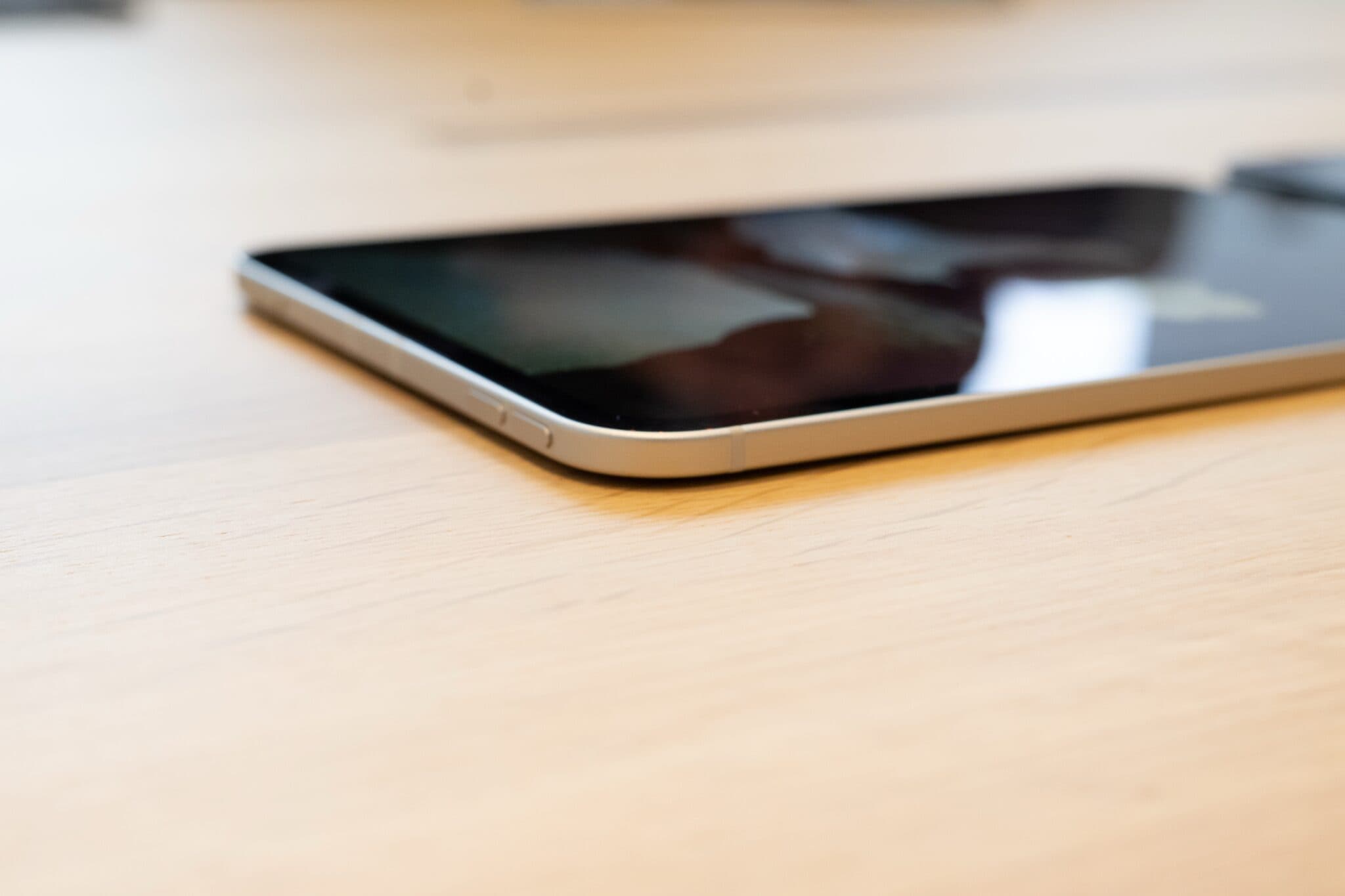
The body is the same size as the previous generation, but the bezels are thinner and the screen has grown to 8.5 inches. The display is an OLED Super Retina XDR display. It is thinner and the screen is bigger, and it feels like the iPad mini has become more complete as an iPad mini.
What felt unusual was the speaker. With a system called Acoustic Display, the sound comes through the display itself. I did not listen closely enough to compare, but my impression was that the sound has improved too. There are times when an 11-inch iPad feels too big to use outside, so I am glad it evolved while keeping this size.
IP67 Dust and Water Resistance and Nano-texture Glass, Good News for People Who Use It in the Field
To me, the strength of iPad is that the work is completed inside apps. Tasks that are awkward on a computer, like managing seating or checking off items, can be done intuitively with touch on an iPad, even by people who are not familiar with it. Taking a photo and sharing it, or drawing a diagram by hand to show someone, takes no time at all. In workplaces where mistakes are not an option, I feel the role iPad plays is growing every year.
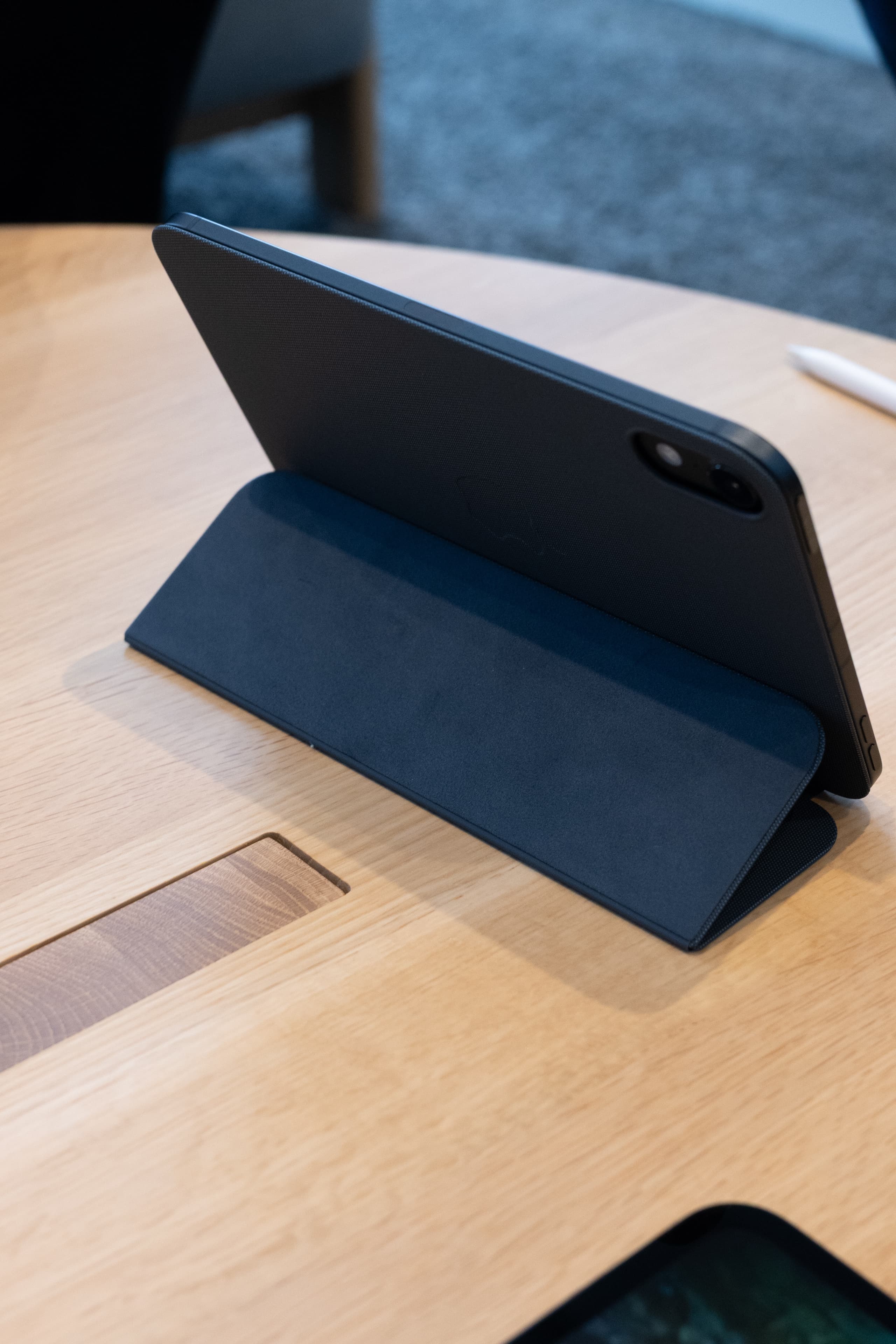
In that sense, the move to IP67 water and dust resistance is a natural and welcome step. When you have to use it outdoors on a drizzly day, the worry about breaking it is probably greatest for people who take their iPad out for work.
Starting with this model, you can also choose nano-texture glass as an option. It cuts reflections in bright places, so the screen is easy to see outdoors during the day. For people who work outside, this is another big change.
With A20 Pro, Even Lightroom Noise Reduction Runs on the iPad mini
The chip is now A20 Pro. According to Apple, AI processing is up to 4.5 times faster and graphics up to 2.7 times faster than the previous generation. When I tried noise reduction in Lightroom, even this somewhat heavy task ran smoothly on the iPad mini alone.
AI Performance
- A17 Pro1.0×
- A20 Pro4.5×
Apple specifications, with the previous iPad mini (A17 Pro) as 1 (Apple testing, September 2026)
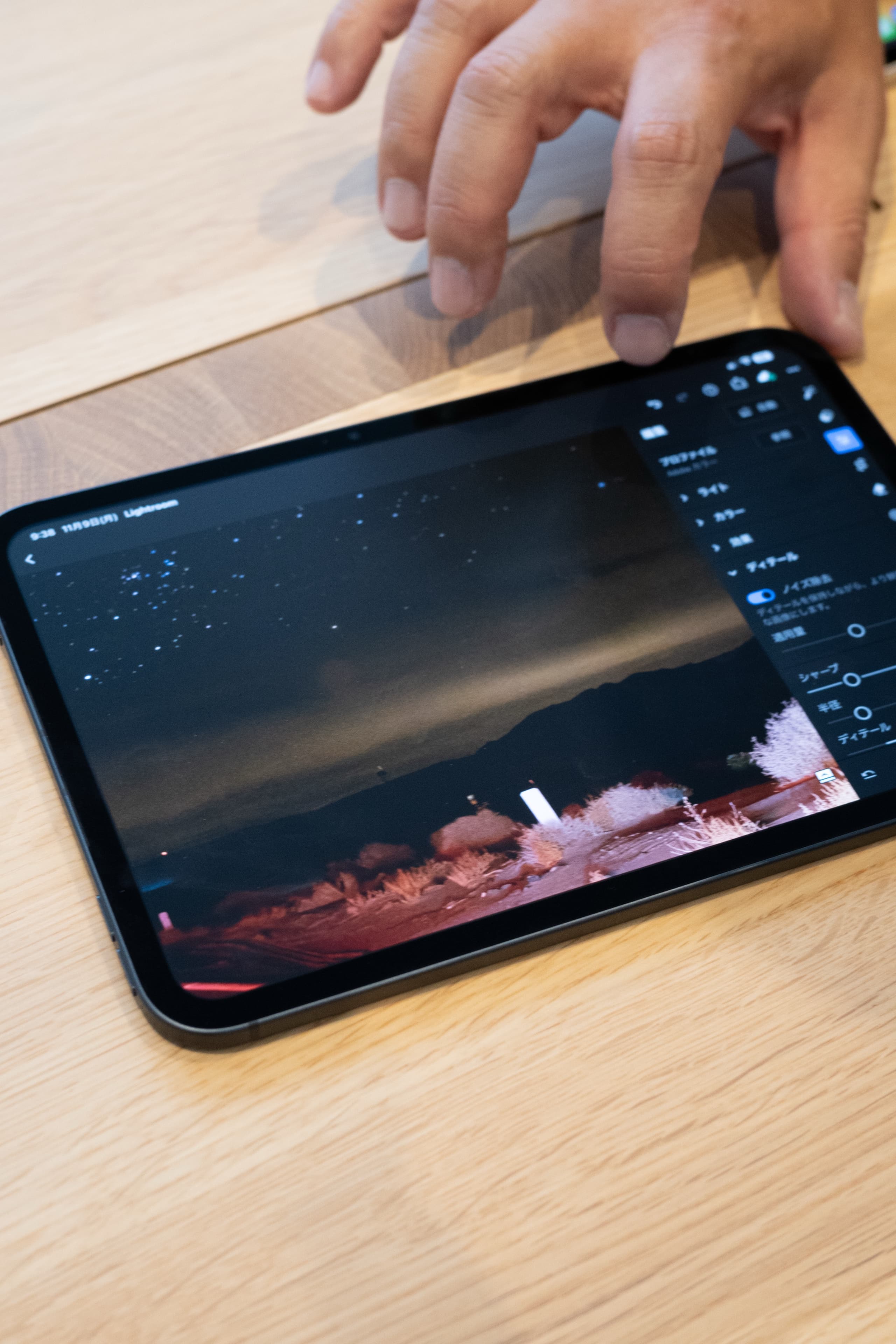
Lately I have been sending photos from my camera to my iPhone and then straight on to family and friends more and more. With the screen now this beautiful, an iPad mini would let me show photos on a big screen right where I took them. For the way I use things, that is what interested me most.
Why I Would Choose Without Nano-texture If I Upgrade
Nano-texture glass is an option that reduces reflections in bright places. Comparing it side by side with the standard-glass model, photos looked more vivid to me on the standard glass without the treatment. If I were choosing, I would go with standard glass.
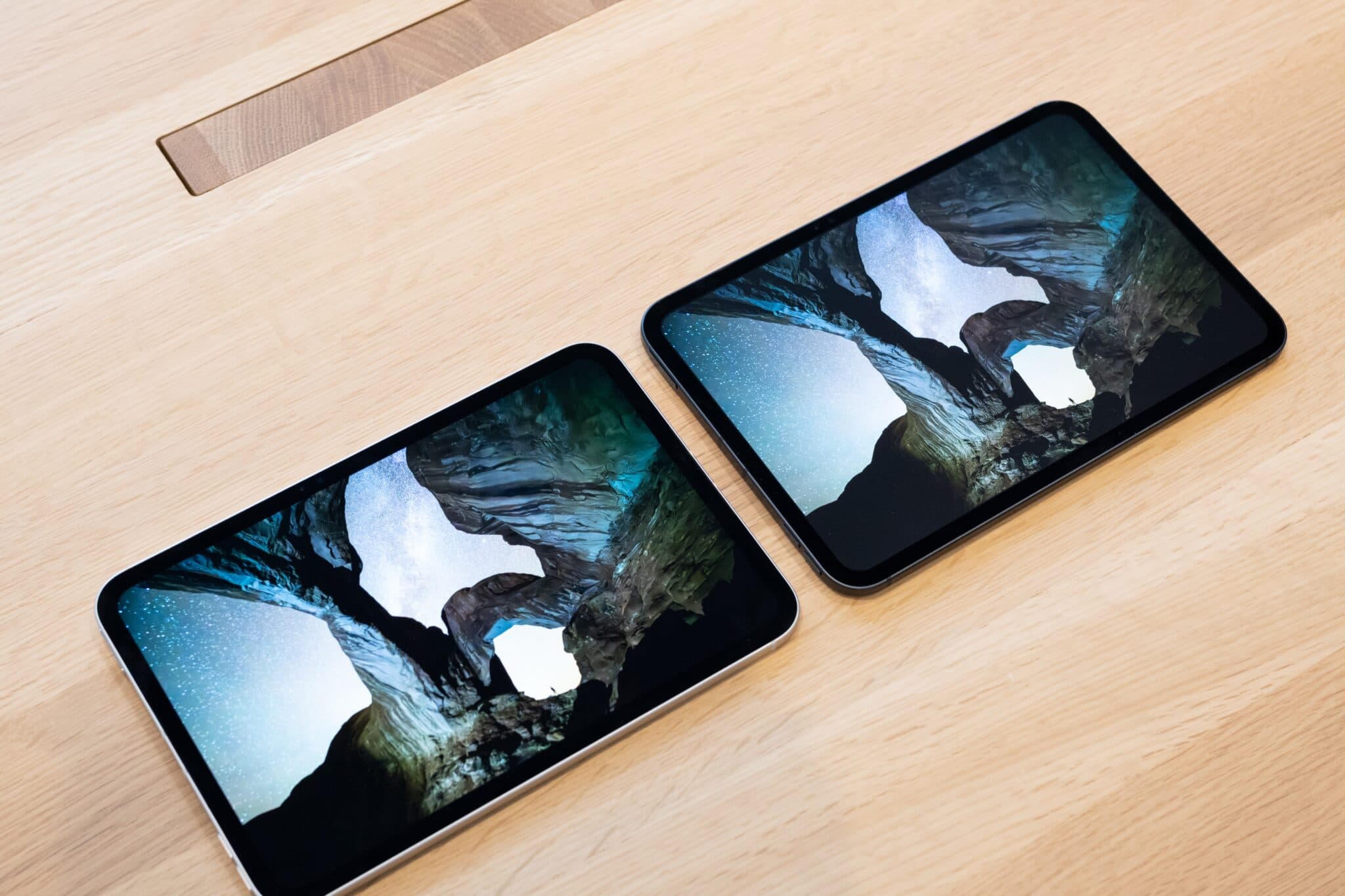
Honestly, I am still undecided about whether to upgrade. My current mini 6 is a cellular model, and I use it outside with a SIM in it. Replacing it with the new model in the same configuration seems like a good option too. At announcement, prices started at ¥119,800 (tax included) for the Wi-Fi model and ¥144,800 (tax included) for the Wi-Fi + Cellular model.
The MacBook Pro’s PROLED XDR Display, Which Makes Looking at Photos More Enjoyable
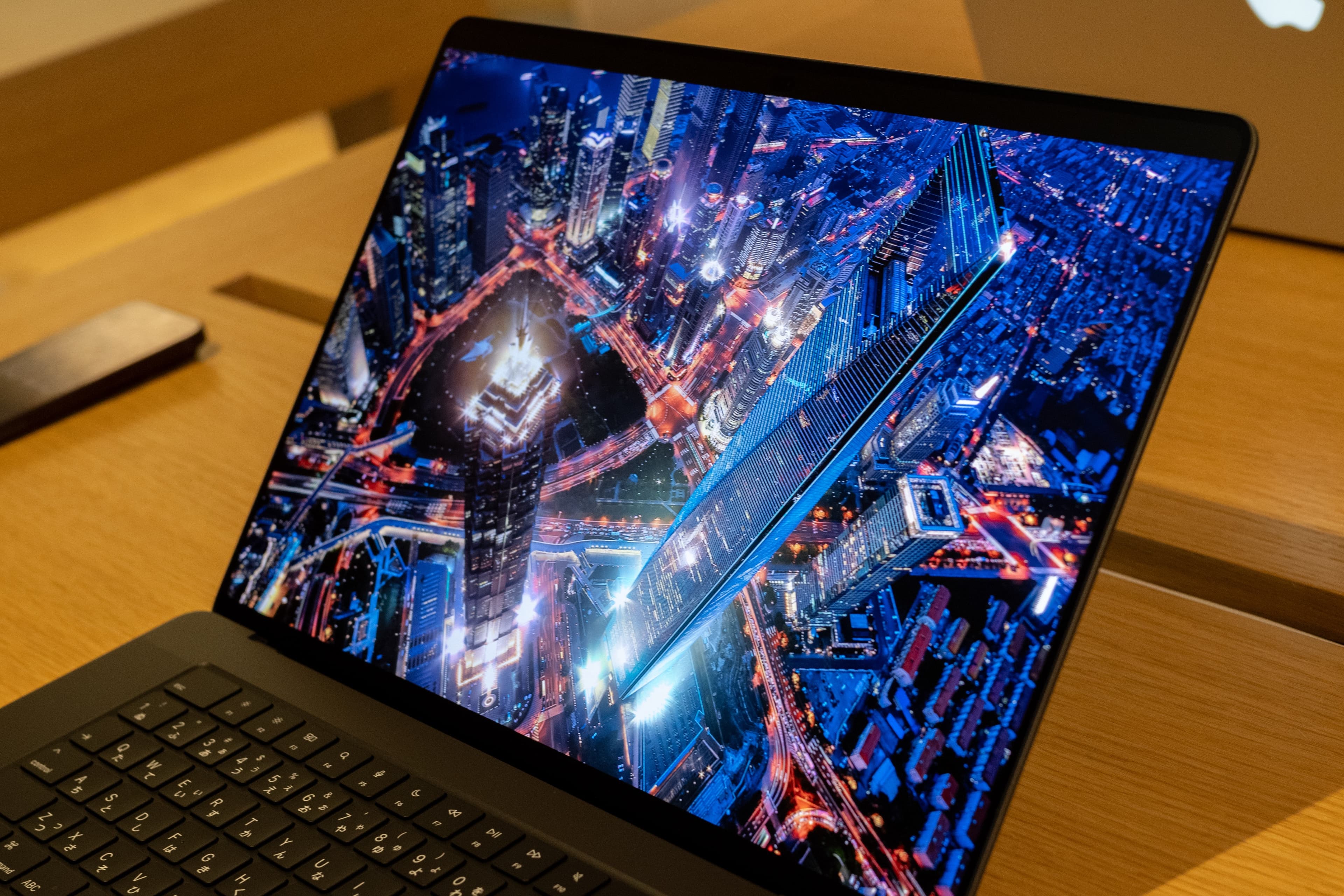
The other one is the new MacBook Pro with PROLED XDR display. The big changes are that it is the first Mac to support touch, and that the display has become more beautiful. The body is also a little thinner and lighter. The 14-inch model weighs 1.38 kg, 0.22 kg lighter than the previous model.
MacBook Pro 14-inch Weight
- Previous model1.60kg
- New model1.38kg
Apple specifications. Varies by configuration
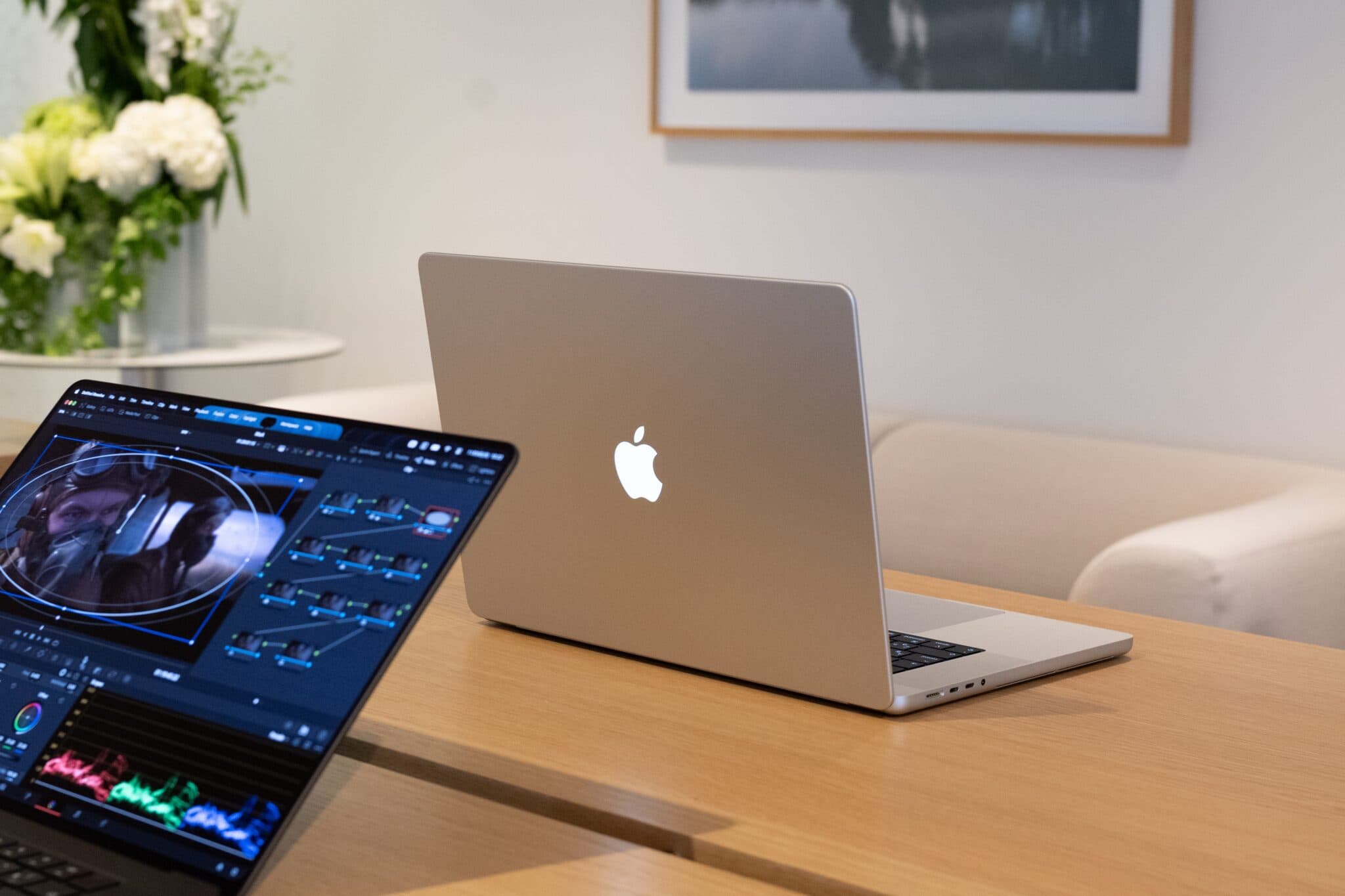
What I was looking forward to most was the display. I make a lot of photos and videos, so I want to see them in good color. Just looking at them on a beautiful screen puts me in a better mood. The PROLED XDR display rendered color so well that it moved me.
Zooming and Rotating with My Fingers, Something I Want to Try in Fusion 360 and Blender
I do not think I will use touch that much myself. Even so, trying it gave me something to look forward to.
When I do 3D CAD modeling, I use Fusion 360 and Blender. Zooming and rotating work slightly differently in each app, and sometimes I stop and think, “How did this one work again?” At moments like that, it would be nice to quickly zoom with two fingers like on an iPad, or turn the model to check its shape.
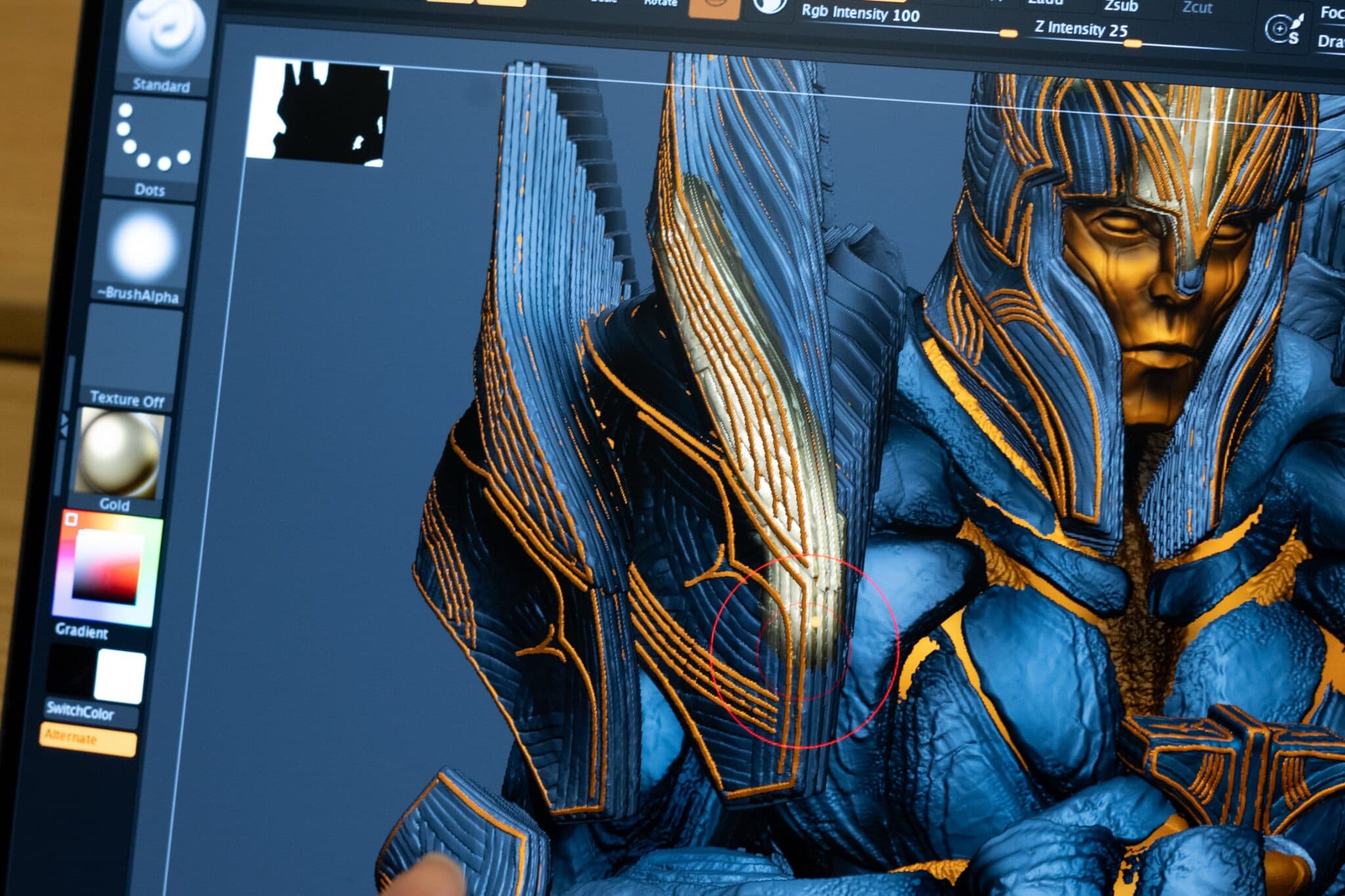
One more intuitive way to work is added to the keyboard and mouse. It means less hesitation in the middle of a task, which is reassuring as someone who makes things. Software support is still to come, but I see the touch display as a big step toward what comes next.
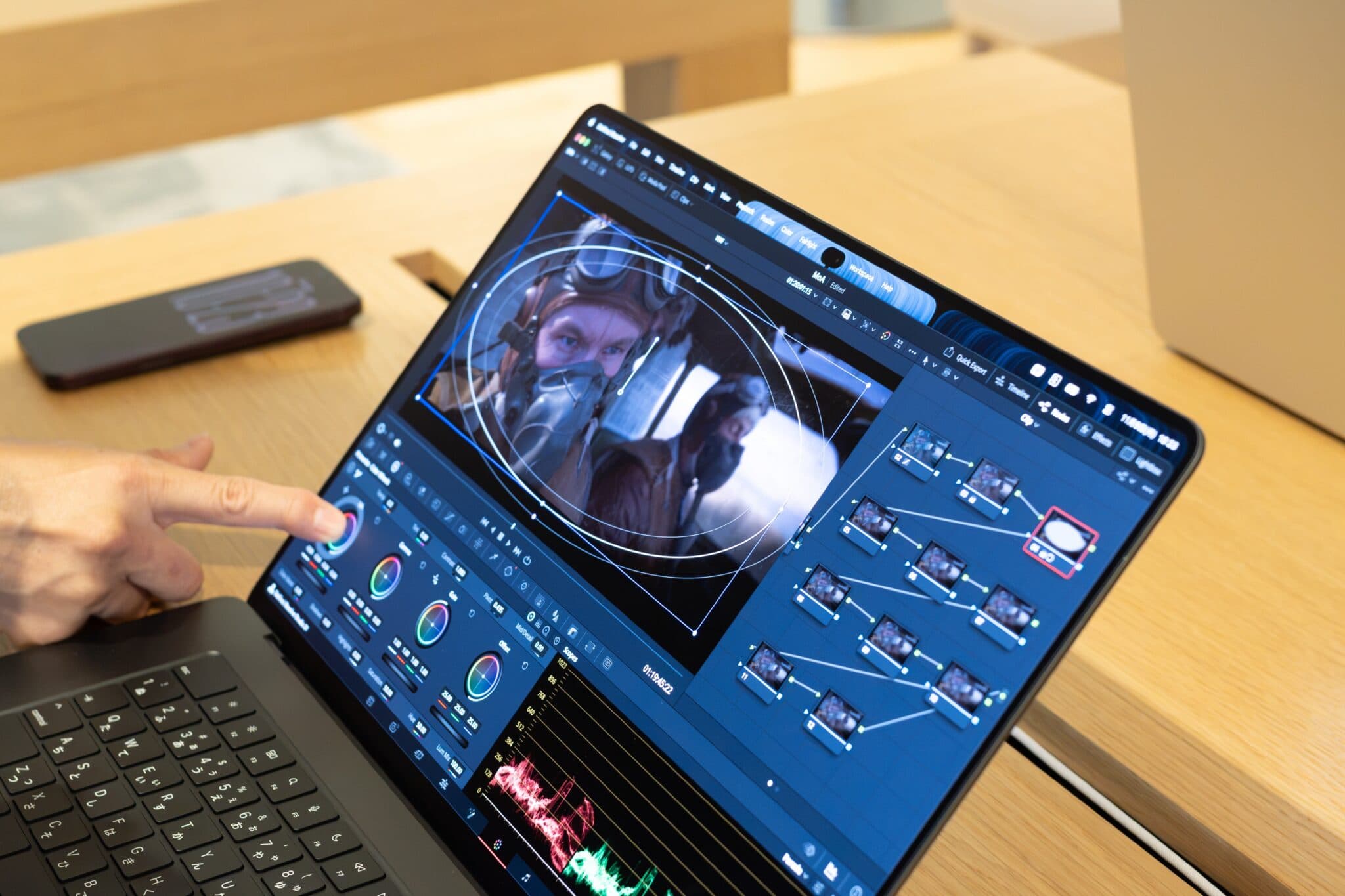
A Generation Touching a Mac for the First Time, and Operating by Touching the Screen
Recently, I happened to be next to a high school student using a Mac for the first time, who tried to enter a password by touching the screen. For a generation that grew up with iPads and tablets, screens are meant to be touched. For people like that, touch is probably easier to use.
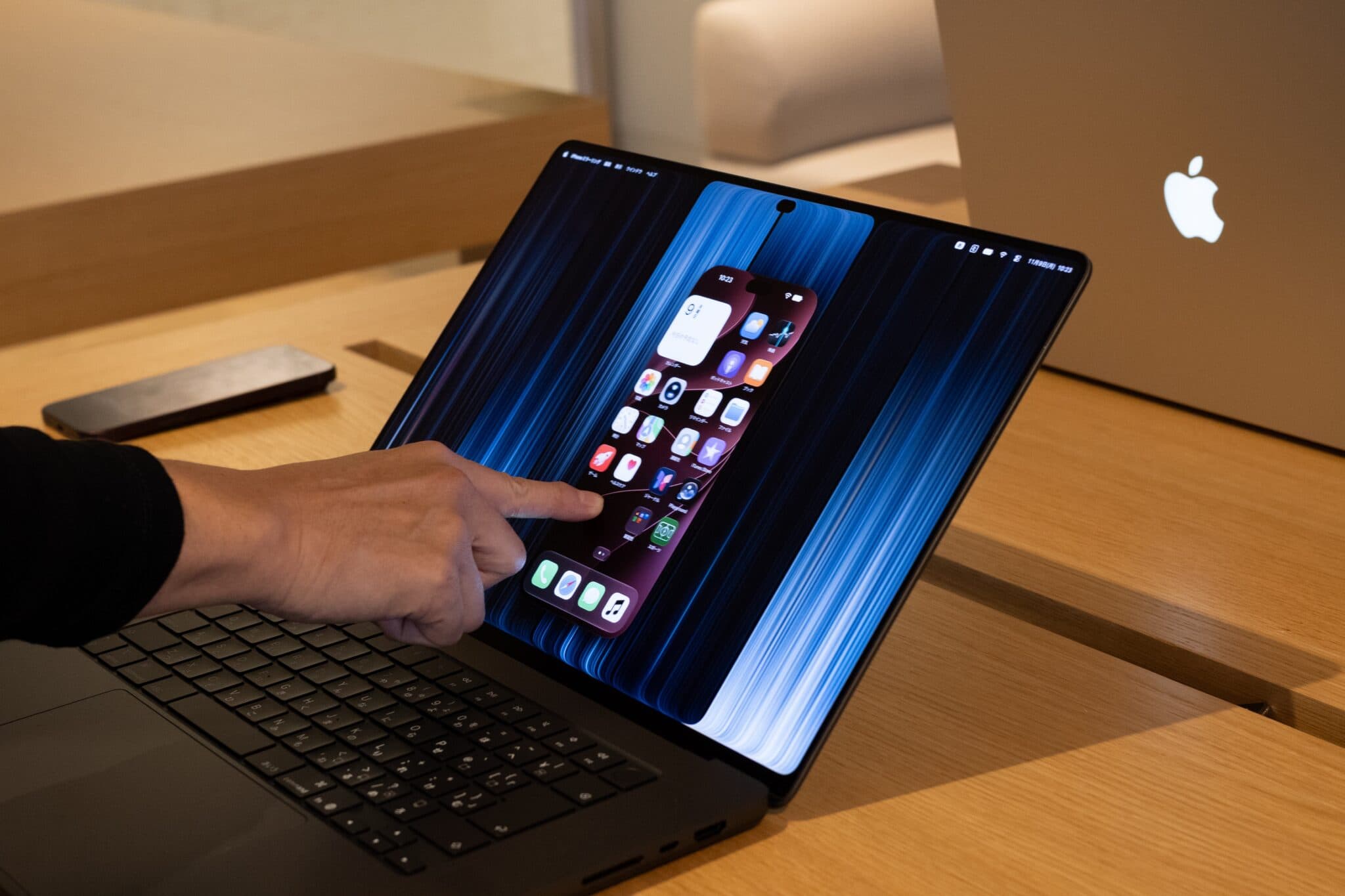
Right now, this MacBook Pro is the only Mac that supports touch. If touch spreads to more affordable models like MacBook Air and iMac, it could become an option for people who want to do somewhat more advanced work after an iPad. As preparation for that, I think it matters.
Why I Will Not Replace My Travel MacBook Pro M2 Max Right Away
The MacBook Pro I use now is the M2 Max model. I only open it when I travel or take it with me on trips. It is my backup machine, so I do not need more performance than it has, and I have no plans to replace it right away. When I do replace it, I would like it to be this new model. At announcement, the 14-inch M5 Pro model started at ¥499,800 (tax included).
The chips are M5 Pro and M5 Max, and what changed this time is the hardware. That hardware update was a very good one. For people who edit photos and video, or work on CAD or music production, I think there is a lot to be happy about.
Both the iPad mini and the MacBook Pro changed in many ways. Even so, the biggest thing for me was that the screens became more beautiful. The more you love looking at photos, the more these two screens will surprise you, I think.